How to Resolve Preview Errors in Your Native App Builder: Complete Troubleshooting Guide (2026)


Preview functionality is one of the most important features in any Native App Builder. It allows developers to test layouts, user interactions, navigation flows, and application performance before deployment. However, encountering preview errors can interrupt development and make debugging difficult.
Whether your app preview fails to load, displays a blank screen, crashes unexpectedly, or shows rendering issues, understanding the root cause is the key to a quick resolution.
Most preview errors originate from configuration mismatches, outdated dependencies, network issues, incorrect component settings, or build failures.
In this blog post, we’ll explain how to resolve preview errors in your Native App Builder, cover the most common causes, and provide actionable solutions that help restore preview functionality quickly.
Ready to Build Native Apps Without the Usual Complexity?
Join the AppNatively waitlist today and get early access to new features, priority onboarding, product updates, and exclusive launch opportunities before everyone else.
👉 Join the Waitlist Now
What Are Preview Errors in a Native App Builder?
Preview errors occur when the development environment cannot properly generate, render, or display an application preview.
Common symptoms include:
- Blank preview screens
- Infinite loading indicators
- Build failures during preview generation
- Missing UI components
- Application crashes during testing
- Network-related preview failures
- Rendering inconsistencies across devices
These issues prevent developers from validating their applications effectively before release.
Common Causes of Preview Errors
Before applying fixes, it is important to identify what causes preview failures.
1. Configuration Problems
Incorrect project settings often cause preview generation failures.
Examples include:
- Invalid API keys
- Missing environment variables
- Incorrect build settings
- Unsupported platform configurations
2. Dependency Conflicts
Modern applications rely heavily on external libraries.
Preview errors can occur when:
- Packages are outdated
- Library versions conflict
- SDK versions are incompatible
- Required dependencies are missing
3. Code Errors
Simple coding mistakes can prevent previews from loading.
Examples:
- Syntax errors
- Undefined variables
- Incorrect imports
- Invalid component references
4. Network Connectivity Issues
Many Native App Builders rely on cloud services.
Poor connectivity can result in:
- Failed preview requests
- Resource loading issues
- Synchronization errors
5. Cache Corruption
Corrupted cache files frequently lead to unexpected preview behavior.
Symptoms include:
- Stale content
- Incorrect rendering
- Continuous loading loops
How to Resolve Preview Errors in Your Native App Builder
If you’re seeing Preview Errors in a Native App Builder (such as React Native, Expo, Flutter, Mendix Native Builder, or a no-code app builder), the issue usually falls into one of these categories.
1. Check the Build Logs First
Most preview failures are caused by compilation or configuration errors. Open the build/debug logs and look for the first error message, not the dozens that appear afterward. Build logs often identify missing libraries, syntax errors, or configuration problems.
2. Verify Dependencies
Common causes include:
- Missing packages
- Version mismatches between SDKs and native modules
- Incompatible plugin versions
If you’re using React Native or Expo, dependency compatibility issues are among the most common reasons previews fail or apps crash.
3. Check Environment Variables
A preview environment may not have access to the same environment variables as production.
Examples:
- Missing API keys
- Missing backend URLs
- Missing authentication configuration
Apps may work in a browser preview but fail on a simulator or device when required variables are unavailable.
4. Validate Preview Configuration
Make sure:
- The preview URL is correct
- The preview server is running
- The application responds successfully to preview requests
Incorrect preview URLs or server-side errors (404/500) can prevent rendering.
5. Clear Cache and Rebuild
Try:
- Cleaning build artifacts
- Rebuilding the project
- Refreshing the preview session
- Restarting the development server
Cached build outputs sometimes continue showing old errors even after the underlying issue is fixed.
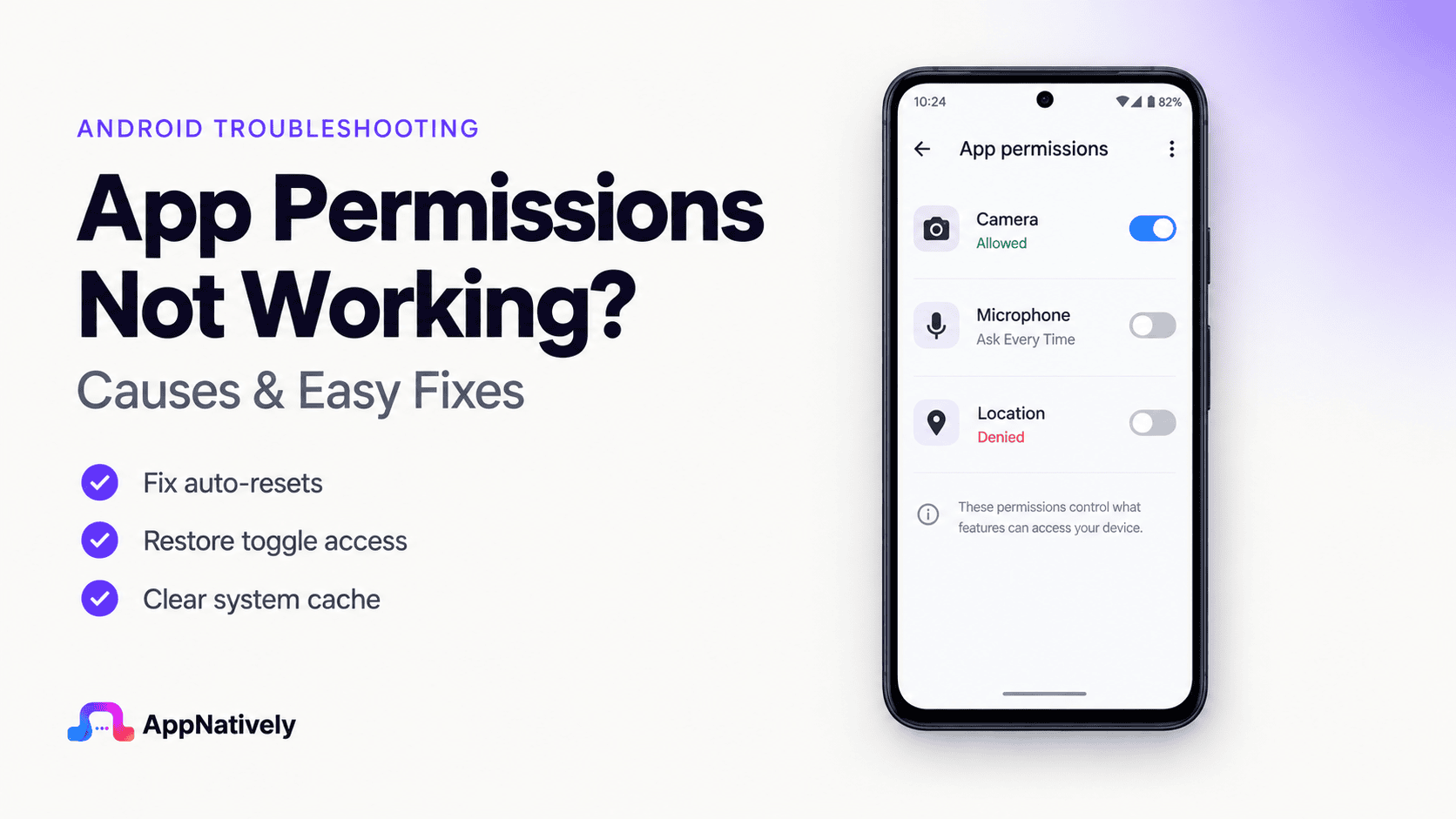
6. Check Native Permissions
If your app uses:
- Camera
- Location
- Notifications
- Microphone
Missing iOS or Android permission declarations can cause preview or device-build failures.
7. Confirm Preview Supports the Feature
Some native features do not work in preview environments, including:
- Push notifications
- Deep links
- In-app purchases
- Background services
In these cases, you may need to build and test on a simulator or physical device instead of using the preview window.
8. Update Your Development Tools
If you recently upgraded:
- Xcode
- Android Studio
- Expo SDK
- React Native
- Native Builder templates
Regenerate project files or update templates to match the current toolchain. Version mismatches frequently break previews.
Stop Letting Technical Roadblocks Slow Down Your App Launch
Whether you’re building your first mobile application or scaling an existing product, AppNatively helps simplify native app development so you can focus on growth instead of troubleshooting.
Join the AppNatively waitlist today to get early access, exclusive updates, and priority access to upcoming features.
👉 Secure Your Spot Now
Conclusion
Preview errors in a Native App Builder can slow development, but they are usually caused by identifiable issues such as configuration mistakes, dependency conflicts, code errors, cache corruption, or connectivity problems.
By systematically reviewing logs, validating settings, updating dependencies, clearing cache, and rebuilding previews, developers can quickly restore functionality and continue building with confidence.
Implementing preventive maintenance practices and monitoring changes proactively will minimize future preview issues and create a smoother development workflow.
Frequently Asked Questions(FAQs)
Why is my Native App Builder preview not loading?
The preview may not load because of configuration errors, network issues, dependency conflicts, cache corruption, or coding mistakes within the project.
How do I fix a blank preview screen in a Native App Builder?
Clear the cache, review logs, verify component configurations, update dependencies, and rebuild the application preview.
Can outdated dependencies cause preview errors?
Yes. Incompatible or outdated libraries are among the most common causes of preview rendering and build failures.
Why does my preview work on one device but not another?
Device-specific compatibility issues, browser settings, operating system differences, or cached data can affect preview functionality.
How often should I update my Native App Builder?
You should update whenever stable releases become available to benefit from bug fixes, security improvements, and compatibility updates.
What is the fastest way to troubleshoot preview errors?
Start by reviewing error logs, checking recent code changes, validating configuration settings, and clearing cached files.
Can third-party plugins cause preview failures?
Yes. Improperly configured or incompatible plugins can prevent previews from loading correctly.
How do I prevent future preview errors?
Maintain updated dependencies, use version control, test frequently, monitor logs, and document configuration changes.
Related posts