Asset storage
Automatically store images, icons, and files you upload to the builder in your Google Drive.
Google Drive integration
Connect Google Drive with AppNatively and keep your images, icons, and files securely stored in your own Drive.
Get it now
Keep your app assets organized, accessible, and under your control with seamless Google Drive storage.
AppNatively uses Google Drive as the storage behind your app assets. Connect your Google account once and every image, icon and file you upload in the builder is saved to a dedicated AppNatively folder in your own Drive, then served into your app.
Automatically store images, icons, and files you upload to the builder in your Google Drive.
Keep all AppNatively uploads in one dedicated folder, with your assets stored in your own account.
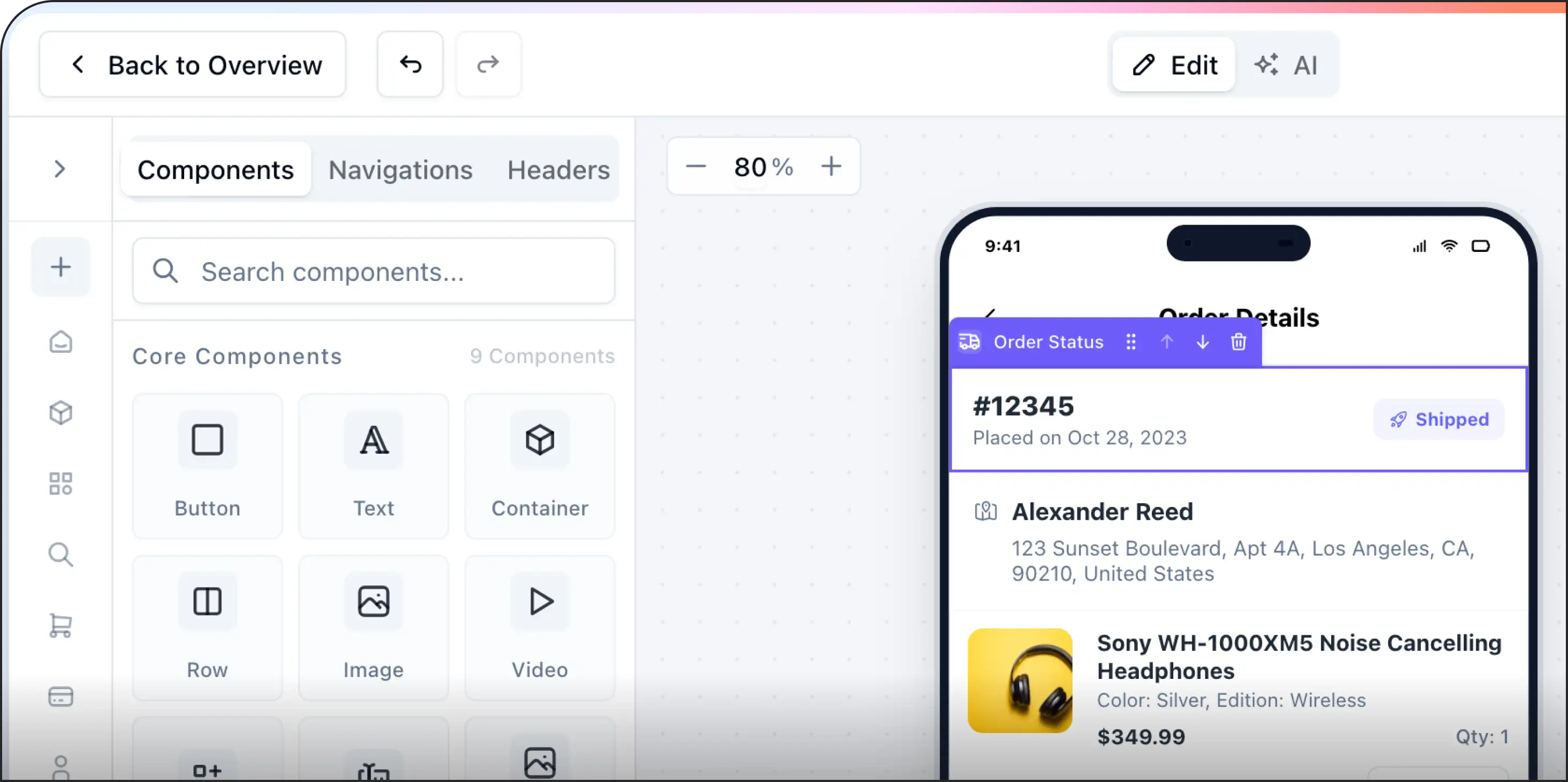
Browse, upload, and reuse your stored assets directly from the AppNatively builder.
POWERFUL FEATURES
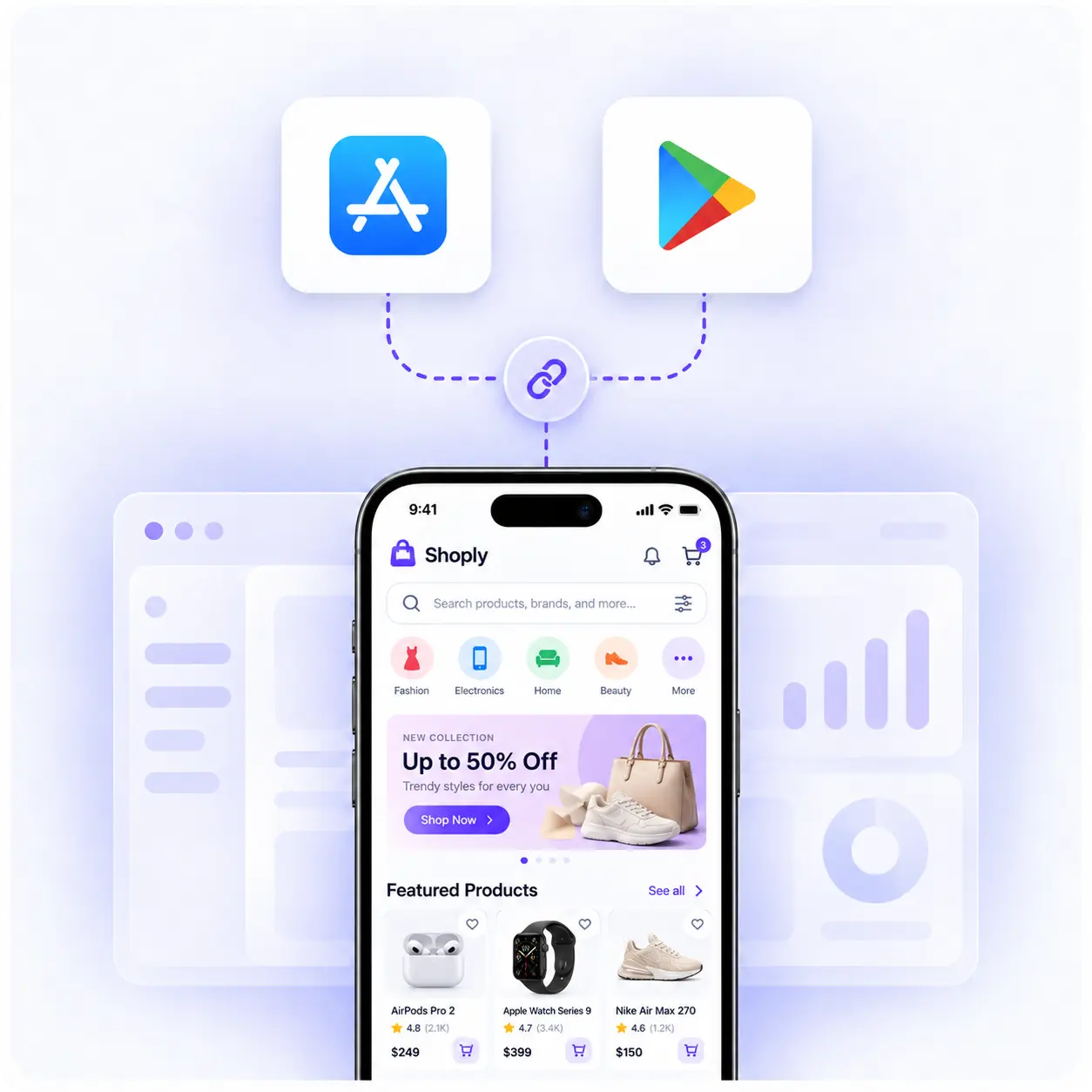
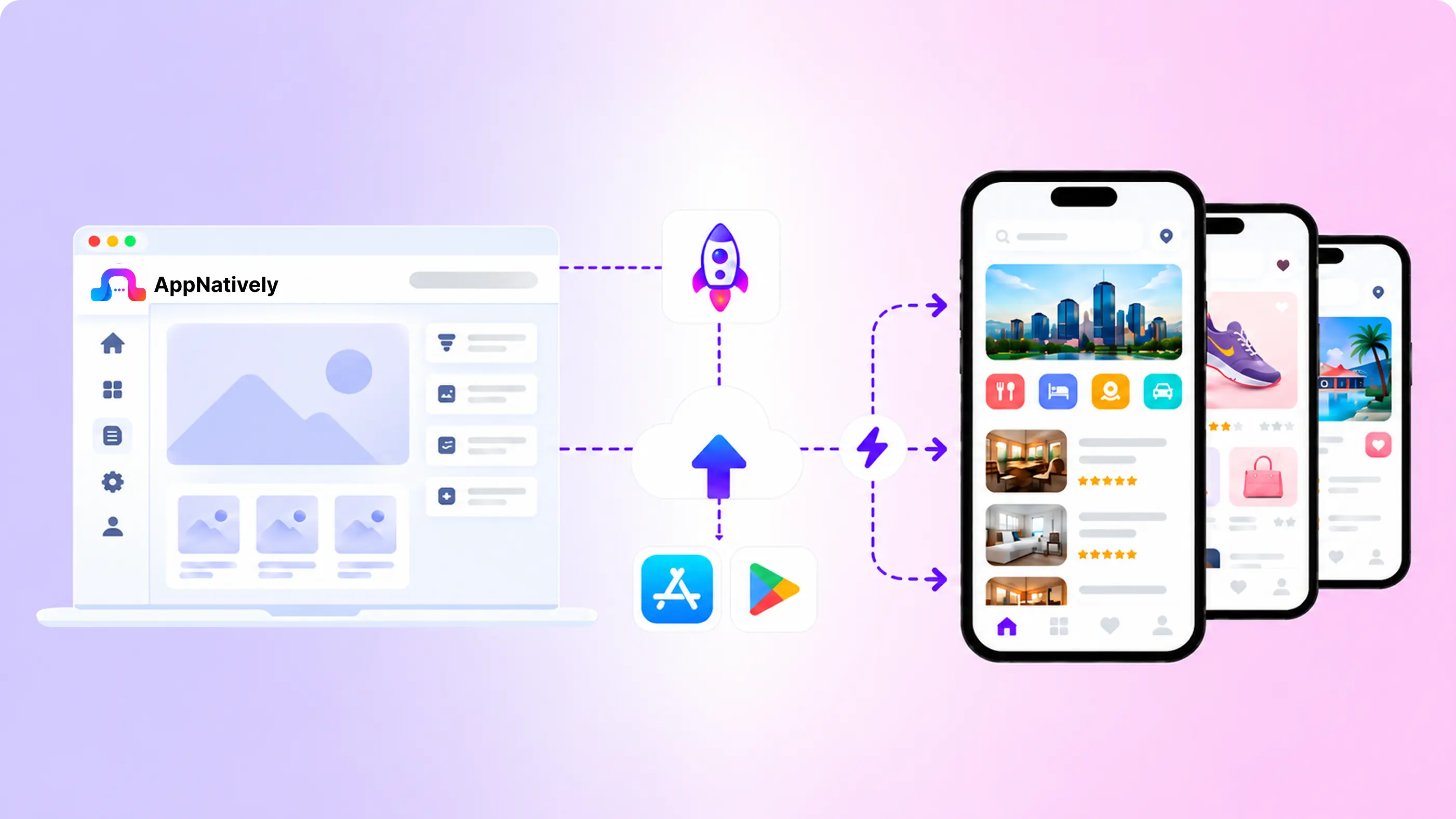
Hit publish and your changes are live in every user's app within seconds - no play or app store review, no update to download, no waiting.
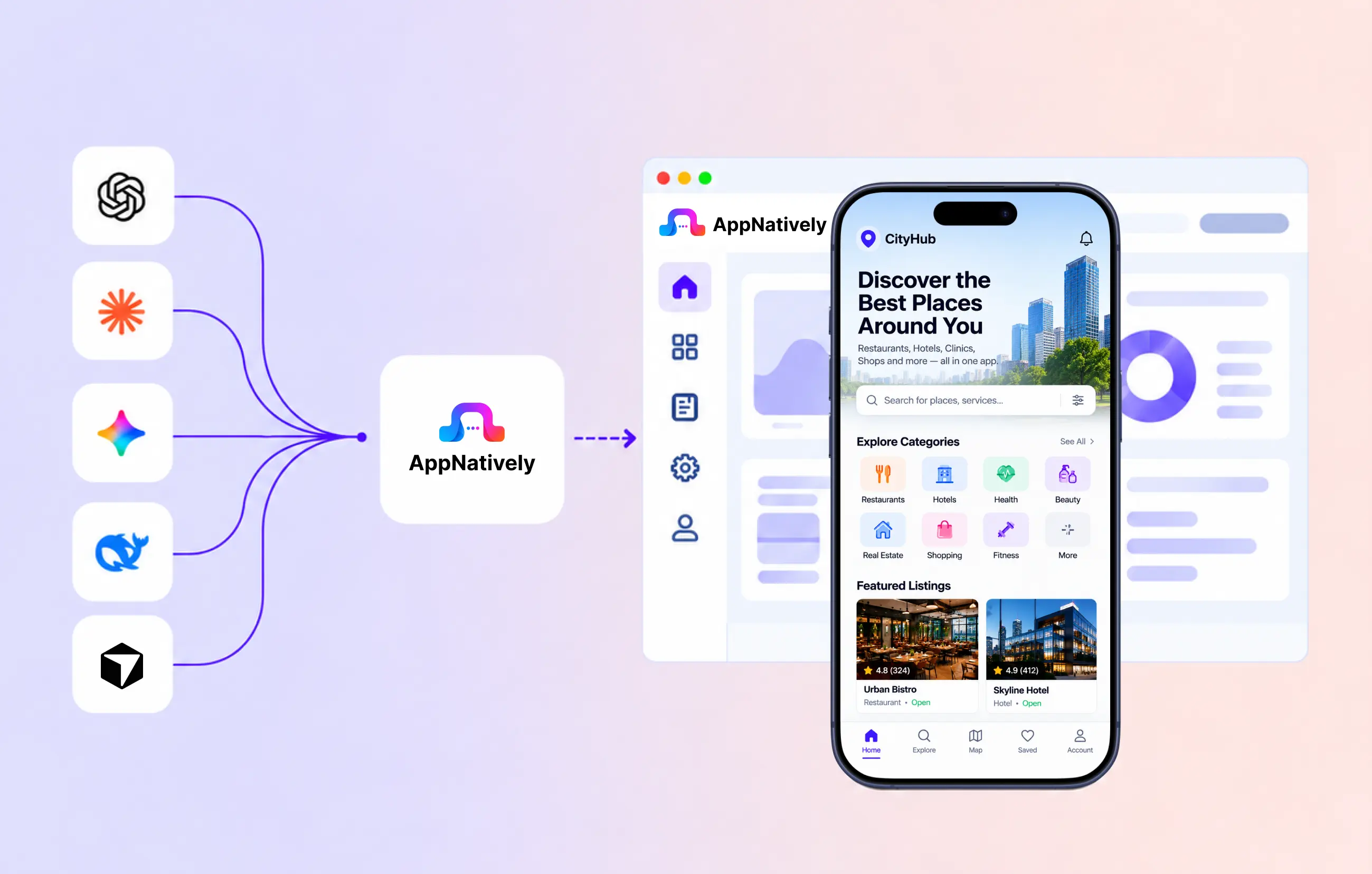
Connect AppNatively with your favorite AI assistants to build, customize, and manage your mobile app through simple conversations.
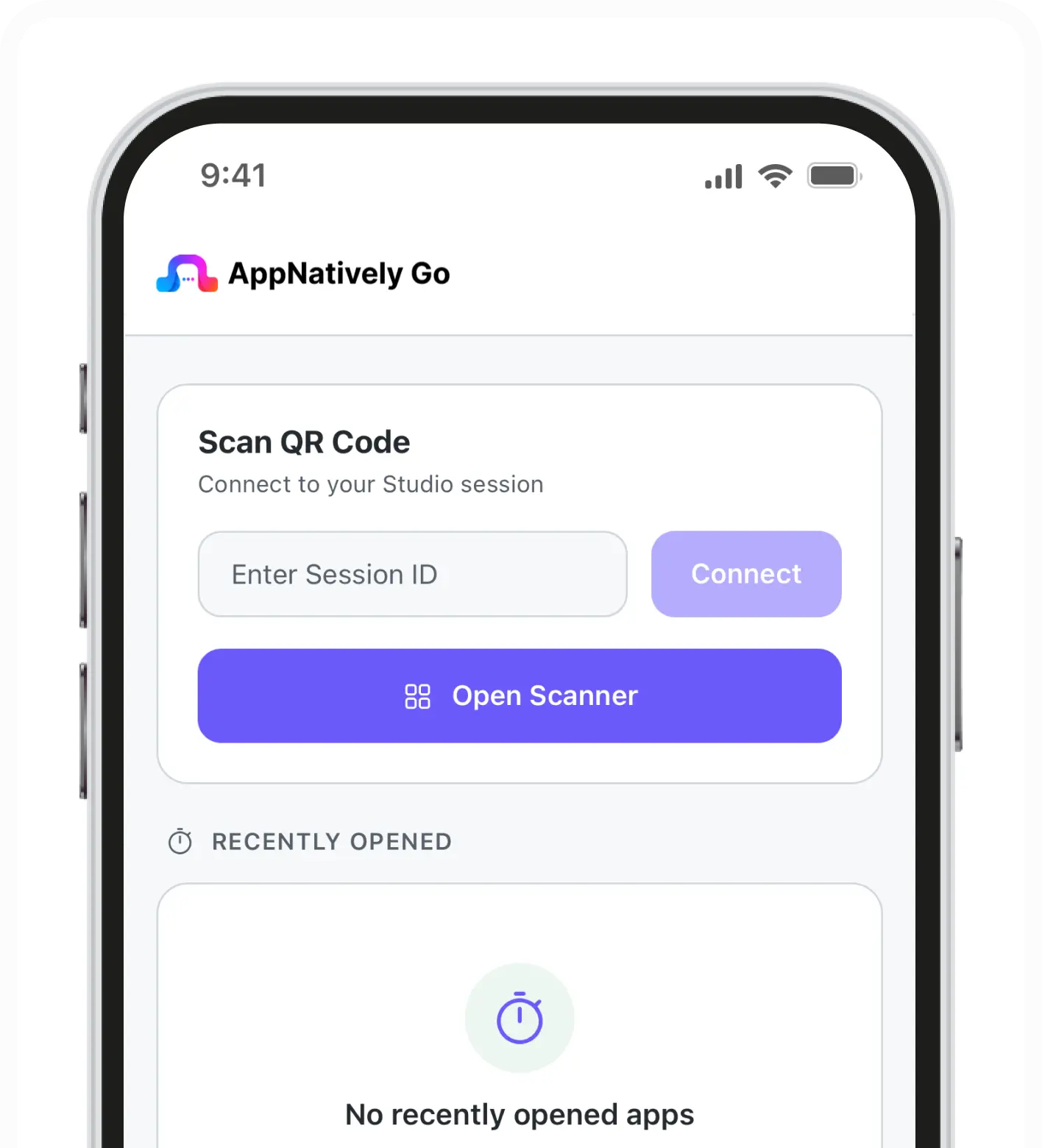
Scan a QR code from the builder and watch every edit appear on your own phone in real time - no build, no install, no waiting.
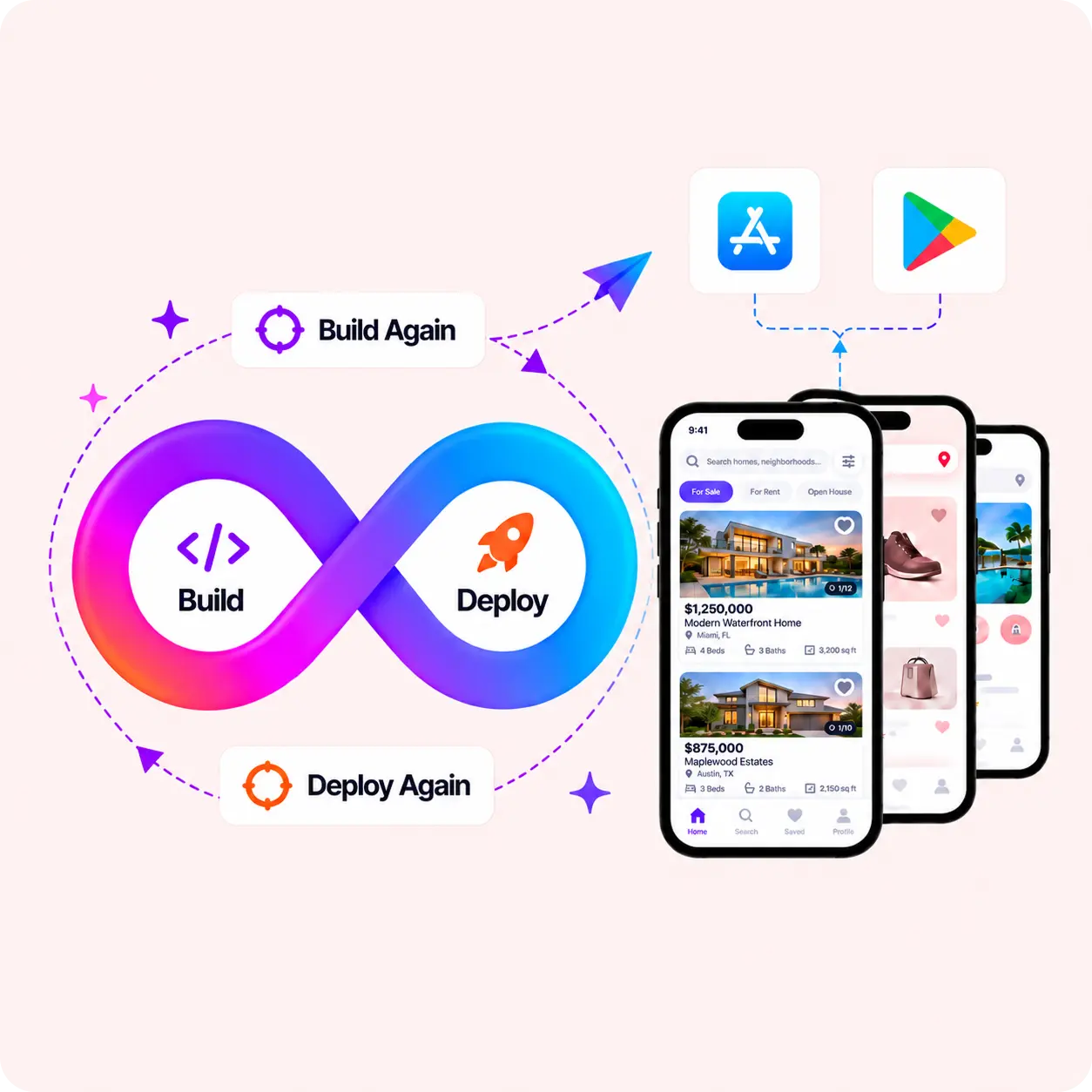
Generate as many native Android and iOS builds as you need and submit them straight to the stores, whenever you're ready.
Hit publish and your changes are live in every user's app within seconds - no app store review, no update to download, no waiting.
Send push campaigns straight from your dashboard - title, message, image, and deep link, powered by Firebase.

Send timely updates, offers, and alerts directly to your users’ devices.