

Does Your Mobile App Need User Accounts? A Decision Guide

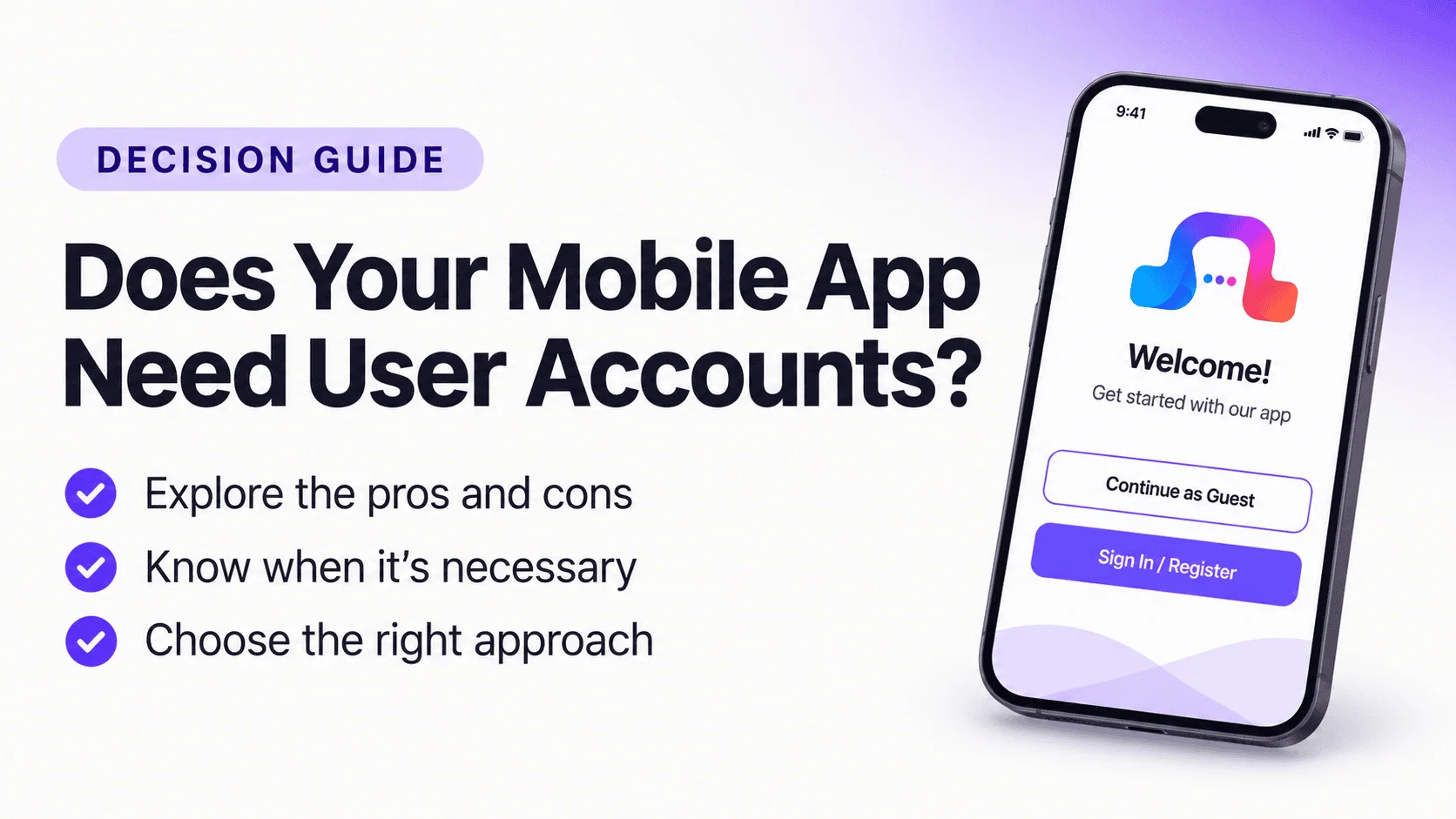
A mobile app does not automatically need an account screen. It needs accounts when a customer task requires identity, private information, or data that must remain associated with the same person.
Requiring registration before someone can browse a public catalog is a business choice, not a technical requirement. Likewise, guest checkout depends on your commerce backend. The right decision starts with what customers need to accomplish.
The short answer: keep public tasks open where practical, and introduce sign-in when a specific action genuinely needs an authenticated user.
Identify Which Tasks Are Public and Private
Start with the tasks your app will support. A store's product catalog, categories, and general shipping information are typically public. Viewing personal orders, saved addresses, or account details is private. Some stores allow checkout without creating an account; others require sign-in.
A directory may let visitors browse listings without an account while requiring one to submit or edit a listing. A booking service might accept an inquiry from anyone but reserve appointment management for an authenticated customer.
| Customer task | Likely access model | What needs checking |
|---|---|---|
| Browse products or listings | Public | Results and details work without a session |
| View order history | Signed-in | Orders belong to the authenticated customer |
| Save items across devices | Often signed-in | Persistence and account association are verified |
| Submit a quote request | Depends on business | Submission, spam controls, and follow-up work |
| Edit a listing | Authenticated and authorized | Backend checks ownership and permissions |
This is a planning framework, not a substitute for backend security. Hiding a button in the app does not protect a private API endpoint.
Understand the Friction Created by Registration
An account form adds decisions. Users may need to choose an email, create a password, verify an address, and learn how to recover access. Those steps can be justified for a membership service, but they may interrupt a person who simply wants to inspect a product.
Ask what users receive in exchange for registering. “Sign in to see your past orders” explains a benefit. “Register to continue” does not.
If you are unsure, observe real users completing the same task. Compare a guest journey with a sign-in-first journey. Look for hesitation, errors, and confusion. Do not assume registration always reduces conversion or that removing it always improves the business.
Plan What Happens to Guest Data
Guest access is not the same as having no state. A guest may have a cart, selected filters, or saved items on one device. Decide what happens when they close the app, reopen it, or eventually sign in.
Consider a customer who adds two products to a guest cart and signs in at checkout. Will the selected items remain? Will an existing account cart replace them? Will the backend merge them? This behavior requires explicit implementation and testing.
For a directory, favorites saved locally may not be available on another device. Do not imply that cross-device synchronization exists unless it has been implemented and verified.
Design the Entire Authentication Journey
A login page is only one part of authentication. Map the full experience:
- The user attempts an action that needs an account.
- The app explains why sign-in is necessary.
- The user signs in using a supported method.
- The app returns them to the intended task.
- The backend authorizes access to the requested information.
Then test incorrect credentials, expired sessions, password recovery, logout, and interrupted authentication. If the login process opens a browser, check how the user returns to the app.
One particularly important test is signing out while viewing private information. The interface should not continue exposing previously cached order details as though the user were still authenticated.
Reuse Your Existing Customer Identity Where Supported
If your website already manages customers through WordPress, WooCommerce, Shopify, or another platform, avoid introducing an unrelated identity system without a clear reason. Separate accounts can fragment order history and create support problems.
AppNatively works with existing backend integrations, but authentication capabilities depend on the connected platform. Shopify's customer-account workflow, for example, should be evaluated using its actual Customer Account API configuration. Do not assume a custom REST API or every WordPress plugin provides the same login behavior.
For custom backends, document login endpoints, tokens, expiry, permissions, and recovery before designing the UI. A visual sign-in component cannot compensate for missing authorization rules.
Consider Privacy and App-Store Requirements
Collect only information needed for the task. A person browsing public directory listings may not need to share a phone number. A service inquiry may require contact details but not a permanent profile.
Explain how personal data is used and make sure the backend enforces access restrictions. If users can create accounts inside the app, review current platform rules on account management and deletion before release.
Privacy should influence what the app stores, how long it is retained, and what happens after logout. These decisions are part of product design, not an afterthought.
Decide Where Sign-In Belongs
Try a simple exercise: draw the public journey first. Mark the first point where private data or identity is required. That is a candidate for contextual sign-in.
A membership product may reasonably require authentication at launch because every meaningful feature is private. A public product catalog probably has a different balance. Neither pattern should be chosen solely because it appears in a template.
What to Do Next
Choose one public task and one private task. Build both journeys and test the transition between them on a real device. Check the session, backend data, and return navigation.
If you are planning an app from an existing website, explore AppNatively and verify how your specific backend handles customer identity before adding a registration requirement. A well-timed sign-in request is more useful than an account screen included simply because every app seems to have one.
Frequently asked questions
Yes, if the core tasks are public and your backend supports them. You still need appropriate privacy, support, and app-store information.
Follow the actual rules and capabilities of your store. Test guest and authenticated checkout separately if both are offered.
That depends on the supported integration and authentication workflow. Verify with real customer test accounts rather than assuming shared credentials.
Device notification permission and user authentication are separate. Personalized targeting may depend on identity, but receiving a permitted device notification does not inherently require a website account.
Related posts
Is Your Website Ready for a Mobile App? A Practical Audit

How to Create a Directory App in Minutes Without Coding (Step-by-Step Guide)

AppNatively vs BuildFire vs MobiRoller vs AppMySite vs AppPresser vs Thunkable vs GoodBarber: Which App Builder Is Best?




