How to Troubleshoot a Website-Based Mobile App

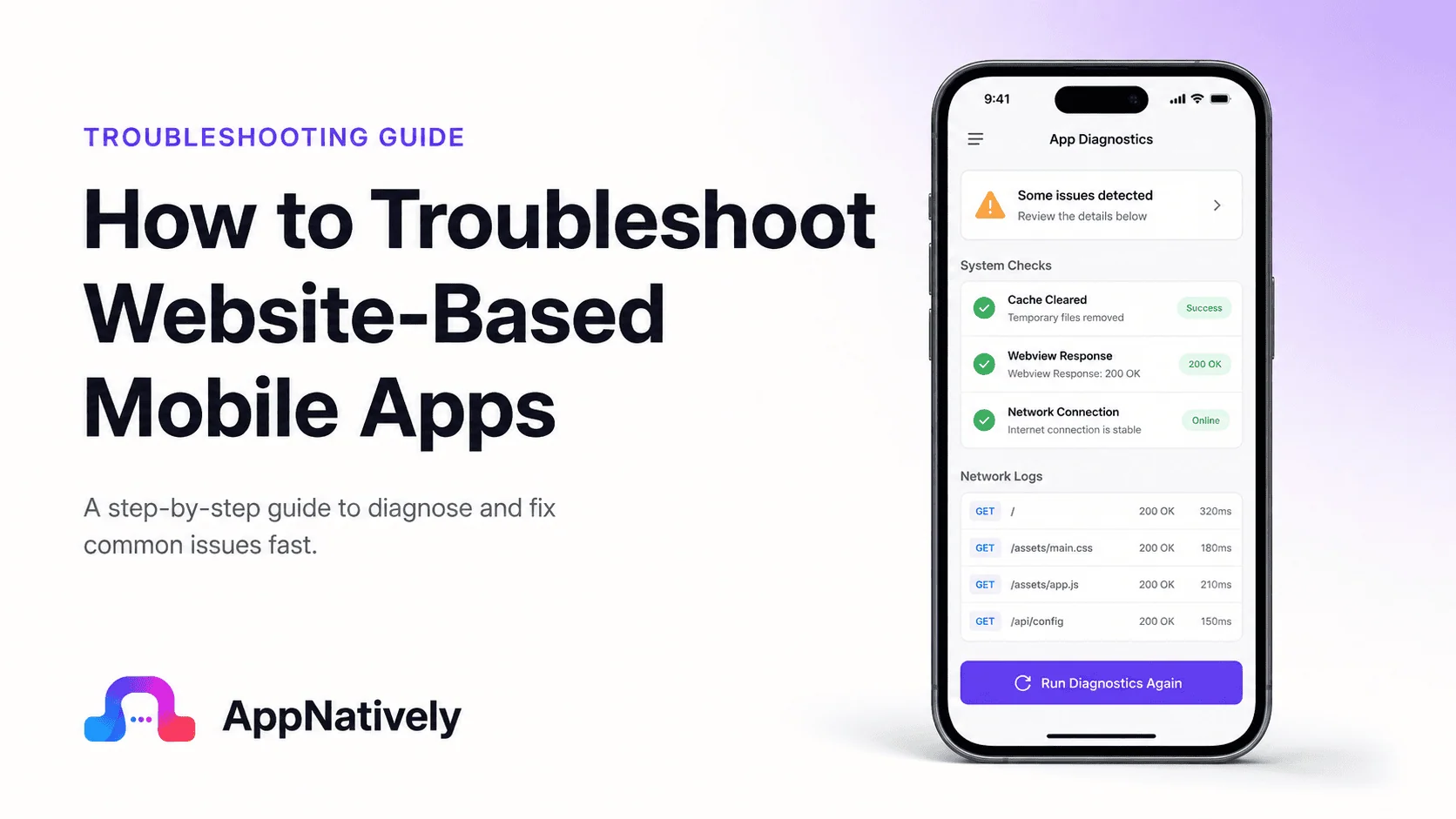
Website-based mobile apps have become increasingly popular among businesses looking to deliver mobile experiences without maintaining separate native applications. These apps often rely on web technologies while providing users with an app-like experience on smartphones and tablets.
While website-based mobile apps offer faster development and easier maintenance, they can also experience unique technical challenges. Users may encounter loading issues, broken functionality, login problems, slow performance, or checkout failures that affect the overall experience.
For businesses, even minor issues can lead to frustrated users, lower engagement, negative reviews, and lost revenue.
The good news is that most problems can be identified and resolved using a structured troubleshooting process.
In this guide, we’ll explore how to troubleshoot a website-based mobile app, the most common issues you may encounter, and the best practices for maintaining a reliable user experience.
What Is a Website-Based Mobile App?
A website-based mobile app is an application that primarily relies on web technologies such as HTML, CSS, and JavaScript while providing a mobile-friendly experience.
Examples include:
- Progressive Web Apps (PWAs)
- WebView-based applications
- Mobile wrappers around websites
- Hybrid mobile apps
- Mobile commerce applications
Unlike fully native apps, website-based apps often depend heavily on internet connectivity, web servers, APIs, and browser rendering engines.
Because of these dependencies, troubleshooting requires examining both the app and the underlying website infrastructure.
Why Website-Based Mobile Apps Experience Issues
Website-based mobile apps rely on several interconnected systems.
These include:
- Mobile devices
- Operating systems
- Internet connections
- Web servers
- APIs
- Databases
- Third-party integrations
- Browser engines
When any component fails, users may experience app problems.
Identifying the source of the failure is the first step toward a solution.
Common Website-Based Mobile App Problems
Several issues appear repeatedly across website-based mobile applications.
1. App won’t load
Users may see:
- Blank screens
- Endless loading indicators
- Frozen splash screens
- Error messages
Loading failures are among the most common complaints.
2. Login and authentication issues
Users may be unable to:
- Sign in
- Create accounts
- Reset passwords
- Maintain active sessions
Authentication problems often prevent users from accessing key features.
3. Slow performance
Performance issues can appear as:
- Delayed page loading
- Laggy navigation
- Slow checkout processes
- Unresponsive buttons
Even small delays can negatively affect user satisfaction.
4. Product pages not loading
For ecommerce apps, product information may fail to load properly.
Users may experience:
- Missing images
- Incomplete descriptions
- Broken product listings
- Empty categories
5. Checkout failures
Customers may add products to their cart but encounter problems during payment.
This often results in abandoned purchases and lost revenue.
6. Notification issues
Push notifications may fail to arrive due to:
- Configuration errors
- Permission restrictions
- Server-side failures
- Third-party service problems
7. Content synchronization problems
Users may see outdated content because app data fails to synchronize with backend systems.
Examples include:
- Old prices
- Incorrect inventory
- Outdated account information
- Missing updates
How to Troubleshoot a Website-Based Mobile App
A systematic troubleshooting process helps identify issues quickly.
Check internet connectivity
Many website-based apps depend entirely on network access.
Begin by verifying:
- Wi-Fi functionality
- Mobile data availability
- Internet speed
- Network stability
A weak connection can create symptoms that resemble app failures.
Test the website directly
Since the app is based on a website, open the website in a mobile browser.
If the website also fails, the issue likely exists within the web infrastructure rather than the mobile app itself.
Compare:
- App performance
- Browser performance
- Loading times
- Functionality
This simple test can significantly narrow down the source of the problem.
Verify server availability
Server downtime is a common cause of app failures.
Check whether:
- The hosting server is operational
- APIs are responding
- Databases are functioning
- Third-party services are available
Server outages often affect all users simultaneously.
Review recent updates
Ask whether the issue appeared after:
- A website update
- A mobile app update
- A server migration
- A plugin installation
- A platform upgrade
Recent changes frequently introduce unexpected issues.
Clear app cache
Website-based apps often store cached resources locally.
Corrupted cache files can cause:
- Display issues
- Login failures
- Outdated content
- Broken functionality
Clearing cache often resolves these problems quickly.
Check API functionality
Most website-based mobile apps rely on APIs to retrieve and update data.
Verify that APIs are:
- Online
- Returning valid responses
- Properly authenticated
- Performing efficiently
Broken APIs frequently cause app-wide failures.
Test across devices
Determine whether the issue affects:
- Android devices
- iPhones
- Tablets
- Specific operating system versions
Device-specific behavior often points to compatibility issues.
Monitor error logs
Logs provide valuable diagnostic information.
Review:
- Application logs
- Server logs
- API logs
- Database logs
- Crash reports
These records often reveal the root cause immediately.
Performance Troubleshooting Checklist
Performance issues are among the most common complaints in website-based mobile apps.
The following areas should be reviewed carefully.
Optimize images
Large images can significantly increase loading times.
Best practices include:
- Image compression
- Modern image formats
- Lazy loading
- Responsive image sizing
Minimize unnecessary scripts
Excessive JavaScript can slow down rendering and user interactions.
Remove unused code whenever possible.
Reduce API requests
Too many API calls can increase latency.
Combine requests where appropriate and optimize backend responses.
Enable caching properly
Effective caching improves speed while reducing server load.
However, outdated cache data should be invalidated appropriately.
Improve server performance
Monitor:
- Response times
- CPU utilization
- Memory consumption
- Database performance
Slow infrastructure often creates app-wide performance problems.
Ecommerce Troubleshooting Tips
Website-based ecommerce apps require special attention because technical issues directly affect revenue.
Verify product synchronization
Ensure product information updates correctly across:
- Website databases
- Mobile apps
- Inventory systems
- Pricing engines
Check payment gateway integrations
Review payment processing systems regularly.
Common issues include:
- Authentication failures
- Expired credentials
- API timeouts
- Transaction errors
Test cart functionality
Verify that users can:
- Add products
- Remove products
- Update quantities
- Apply discounts
- Complete checkout
Cart issues are a major source of abandoned purchases.
Confirm inventory accuracy
Inventory mismatches can create frustrating customer experiences.
Real-time synchronization helps prevent overselling and checkout failures.
How AppNatively Helps Improve Website-Based Mobile Apps
Many businesses begin with a website and later want to provide a more app-like experience for their users.
AppNatively helps transform websites into powerful native mobile applications while improving performance, reliability, and user engagement.
Compared to traditional website-based apps, native mobile applications often provide:
- Faster loading times
- Better device integration
- Improved offline capabilities
- More reliable push notifications
- Enhanced user experiences
- Better overall performance
For businesses seeking to reduce technical limitations and deliver a smoother mobile experience, moving toward a native app approach can provide significant long-term benefits.
Frequently Asked Questions
Why does my website-based mobile app load slowly?
Common causes include large images, excessive scripts, slow APIs, poor hosting performance, and network connectivity issues.
How can I tell if the issue is with the app or the website?
Open the website directly in a mobile browser. If the same problem occurs there, the issue likely originates from the website infrastructure.
Why does my mobile app work on one device but not another?
Device-specific compatibility issues, operating system differences, browser rendering variations, or hardware limitations may be responsible.
Can server outages affect website-based mobile apps?
Yes. Since most website-based apps rely heavily on backend services, server outages can prevent users from accessing app content and functionality.
How often should I test my mobile app?
Testing should occur before every major update and regularly across supported devices, operating systems, and network conditions.
Final Thoughts
Knowing how to troubleshoot a website-based mobile app is essential for maintaining a reliable user experience and protecting business performance.
Because these apps depend on multiple systems working together, issues can originate from network connections, websites, APIs, servers, databases, third-party integrations, or the app itself.
By following a structured troubleshooting process, monitoring performance consistently, and addressing issues proactively, businesses can reduce downtime, improve user satisfaction, and prevent lost revenue.
As mobile expectations continue to rise, delivering a fast, stable, and dependable experience is no longer optional. It’s a key requirement for long-term success.
Related posts