Push Notifications for Shopify: The Complete Guide to Boost Sales, Customer Retention, and Revenue

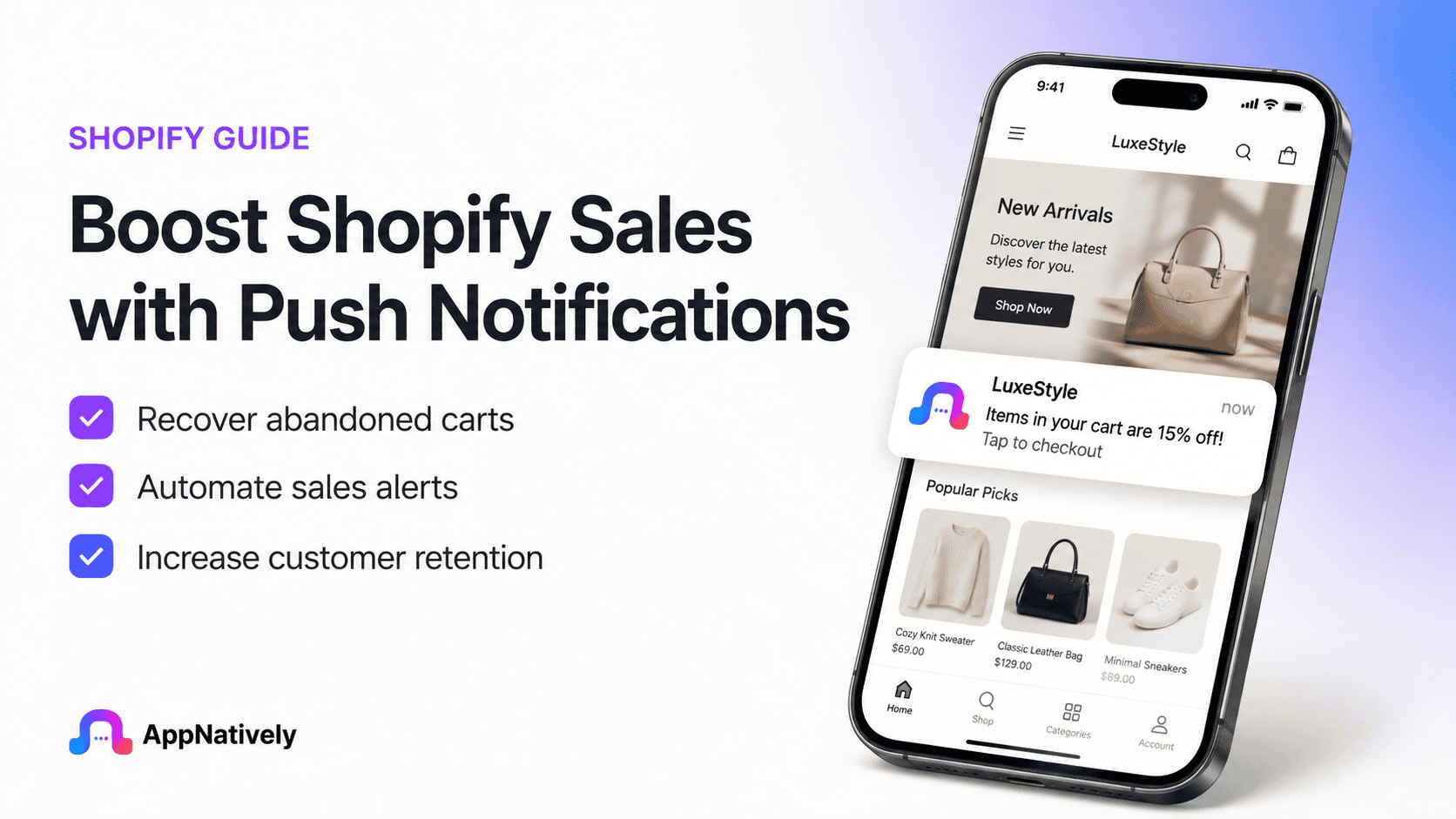
Running a successful Shopify store is no longer just about attracting visitors. The real challenge is bringing customers back, recovering abandoned carts, increasing repeat purchases, and maintaining strong customer relationships. With online competition growing every day, merchants need marketing channels that are fast, affordable, and highly effective.
This is where push notifications for Shopify become a game changer.
Push notifications allow Shopify store owners to instantly reach customers with personalized messages, promotions, order updates, restock alerts, and product recommendations directly on their devices.
Unlike email marketing, which often struggles with low open rates, push notifications typically enjoy significantly higher engagement because they appear directly on a customer’s screen.
Whether you’re running a fashion boutique, electronics store, beauty brand, or home décor business, Shopify push notifications can dramatically improve customer engagement while increasing revenue.
In this blog post, you’ll learn everything you need to know about push notifications for Shopify, including their benefits, types, best practices, automation strategies, and how to maximize conversions.
What Are Shopify Push Notifications?
Shopify push notifications are clickable messages sent directly to customers through their web browser or mobile device after they opt in to receive notifications from your store.
Unlike emails, customers don’t need to open an inbox. The notification appears instantly on their desktop, smartphone, or tablet.
A typical Shopify push notification includes:
- A title
- A short message
- An image (optional)
- Brand logo
- Call-to-action button
- Destination URL
For example:
Title:
🔥 Flash Sale Starts Now!
Message:
Save 30% on all sneakers today only. Shop before midnight.
CTA:
Shop Now
Customers simply click the notification and are taken directly to the relevant product or collection page.
Why Push Notifications Matter for Shopify Stores
Modern consumers receive hundreds of marketing emails every week. Many remain unread or end up in spam folders.
Push notifications solve this problem by providing:
- Instant delivery
- Higher visibility
- Faster customer engagement
- Better click-through rates
- Real-time communication
For Shopify businesses, this translates into:
- More returning customers
- Increased sales
- Better customer retention
- Lower abandoned carts
- Improved customer lifetime value
Instead of waiting for customers to revisit your website, you proactively remind them about products, offers, and updates.
Key Benefits of Push Notifications for Shopify
1. Recover abandoned carts
Cart abandonment is one of the biggest challenges in ecommerce.
Many shoppers add products to their cart but leave without completing the purchase.
Push notifications can automatically remind them about:
- Items left behind
- Limited-time discounts
- Low stock
- Free shipping offers
These reminders encourage customers to return and complete their purchase.
2. Increase repeat purchases
Existing customers are far more likely to purchase again than first-time visitors.
Push notifications help you stay connected by sending:
- Personalized recommendations
- Seasonal promotions
- Loyalty rewards
- New arrivals
Keeping your brand visible encourages repeat business.
3. Improve customer engagement
Regular communication builds stronger customer relationships.
Examples include:
- Product launches
- Holiday campaigns
- Exclusive offers
- Blog updates
- Brand announcements
Frequent but relevant notifications keep customers engaged without overwhelming them.
4. Higher open rates than email
While email marketing remains valuable, push notifications often generate significantly higher visibility because they appear directly on users’ devices.
Customers don’t need to:
- Open an inbox
- Search for emails
- Avoid spam folders
This makes push notifications ideal for urgent campaigns and flash sales.
5. Real-time marketing
Need to promote a flash sale starting in 10 minutes?
Push notifications deliver messages instantly.
Perfect for:
- Black Friday
- Cyber Monday
- Holiday promotions
- Limited inventory
- One-day discounts
Timing plays a crucial role in ecommerce success.
Types of Shopify Push Notifications
Different notifications serve different marketing objectives.
i. Welcome notifications
Sent immediately after a visitor subscribes.
Example:
“Welcome to our store! Enjoy 10% off your first purchase.”
ii. Abandoned cart notifications
Automatically remind shoppers about products left in their cart.
Example:
“You forgot something! Complete your purchase before your cart expires.”
iii. Price drop alerts
Notify interested shoppers when prices decrease.
Example:
“Great news! Your favorite jacket is now 20% off.”
iv. Back-in-stock alerts
Customers often leave when products are unavailable.
Notify them the moment inventory returns.
Example:
“Your favorite sneakers are back in stock. Order before they’re gone again.”
v. New product launches
Promote newly released products instantly.
Example:
“Our Summer Collection has officially arrived.”
vi. Flash sale notifications
Create urgency with time-sensitive offers.
Example:
“Only 6 hours left. Save 40% today.”
vii. Order updates
Keep customers informed throughout the buying journey.
Examples include:
- Order confirmed
- Order shipped
- Out for delivery
- Delivered successfully
These updates improve the post-purchase experience.
Best Practices for Shopify Push Notifications
Simply sending notifications isn’t enough.
Follow these proven strategies.
Personalize every message
Use customer data whenever possible.
Instead of:
“Check out our products.”
Try:
“John, your favorite running shoes are back in stock.”
Personalization improves engagement.
Keep messages short
Push notifications have limited space.
Good example:
“Weekend Sale: Save 25% Storewide.”
Avoid lengthy paragraphs.
Create urgency
Encourage immediate action using phrases like:
- Limited time
- Today only
- Ends tonight
- Almost sold out
- Last chance
Urgency increases conversions.
Send at the right time
Timing matters.
Avoid:
- Late-night notifications
- Early morning alerts
- Excessive messaging
Analyze customer behavior and schedule notifications when users are most active.
Use strong calls-to-action
Every notification should encourage action.
Examples:
- Shop Now
- Claim Discount
- Explore Collection
- Complete Purchase
- View Product
A clear CTA improves click-through rates.
Automation Ideas for Shopify Push Notifications
Automation saves time while increasing sales.
Popular automated campaigns include:
Welcome series
Welcome new subscribers with:
- Thank-you message
- Discount code
- Best-selling products
Browse abandonment
If visitors leave after viewing products without adding them to their cart, automatically remind them.
Cart recovery
Send reminders:
- After 30 minutes
- After 12 hours
- After 24 hours
Offer incentives only if necessary.
Win-back campaigns
Reconnect with inactive customers.
Example:
“We miss you! Here’s 15% off your next purchase.”
Birthday notifications
Reward customers on special occasions.
Example:
“Happy Birthday! Enjoy an exclusive gift from us.”
Product recommendation campaigns
Recommend products based on:
- Purchase history
- Browsing history
- Customer preferences
Personalized recommendations often outperform generic promotions.
Integrating Push Notifications with Other Marketing Channels
Push notifications work best alongside other marketing efforts.
For example:
- Email marketing for detailed promotions
- SMS for urgent updates
- Social media for brand awareness
- Retargeting ads for broader reach
- Loyalty programs for repeat customers
Using multiple channels creates a more cohesive customer experience.
Choosing the Right Push Notification App for Shopify
When evaluating Shopify apps, consider features such as:
- Easy installation
- Automation workflows
- Audience segmentation
- Abandoned cart recovery
- Product recommendations
- Analytics dashboard
- A/B testing
- Multi-device support
- Integration with Shopify Flow
- Compliance with privacy regulations
A scalable solution should grow alongside your business and support increasingly sophisticated campaigns.
Frequently Asked Questions
Are Shopify push notifications free?
Many Shopify apps offer free plans with limited subscribers or notifications. Premium plans typically unlock advanced automation, segmentation, analytics, and higher sending limits.
Do customers need to opt in?
Yes. Customers must grant permission before receiving push notifications, making the channel permission-based and more likely to reach engaged users.
Can push notifications help recover abandoned carts?
Absolutely. Automated cart reminders are among the most effective use cases, encouraging shoppers to return and complete their purchases.
How often should I send push notifications?
There’s no universal rule, but consistency matters more than frequency. Focus on sending timely, relevant messages rather than daily promotions that may lead to unsubscribes.
Can I personalize Shopify push notifications?
Yes. Most modern push notification tools allow personalization using customer names, browsing history, purchase behavior, and audience segments to deliver more relevant messages.