
Appnatively
Appnatively
Knowledge Base
Go to Studio
Knowledge Base
Go to Studio
Getting Started
Welcome to AppNativelyCreate your first appFinding your way around the Studio dashboard
Website Connection
Connect your website to AppNativelyInstall and update the required pluginChoose which plugins power your app“Website Not Connected” – what it means and how to clear itFix a failing or dropped connection
App Editor
Build your app with AI chatWrite prompts that get the screen you wantUndo an AI change you don’t wantEdit screens and components by handManage your app’s pagesDesign your headerDesign your bottom navigationAdd and edit drawersManage your themeHow your changes reach your usersSave vs. Publish – what each one doesWhen a new release is requiredWhen AI gets it wrong
Splash & App Icon
Set your app iconAdd Android Adaptive Icon layersDesign your splash screenRecommended image sizes
Publishing Setup
What you need before your first buildSet your app’s name, slug, and package IDAdd Android credentials and your keystoreAdd iOS certificates and provisioningConnect Google PlayConnect the App StoreSet up Firebase Configuration
Build & Deploy
Connect GitHub before you buildBuild your app – and submit it to the storeFix a failed build
Push Notifications
Create and send a push campaignTrack campaign performanceNotifications aren’t arriving
Integrations
Connect a third-party service

Integrations

Almost everything else in this Help Center is configured per app. These three connections aren’t – they apply to your whole workspace at once, so you set them up a single time and every app you create benefits. It’s a small category, but two of the three quietly gate features you’ll want elsewhere, which makes it worth reading early rather than discovering when something’s locked.
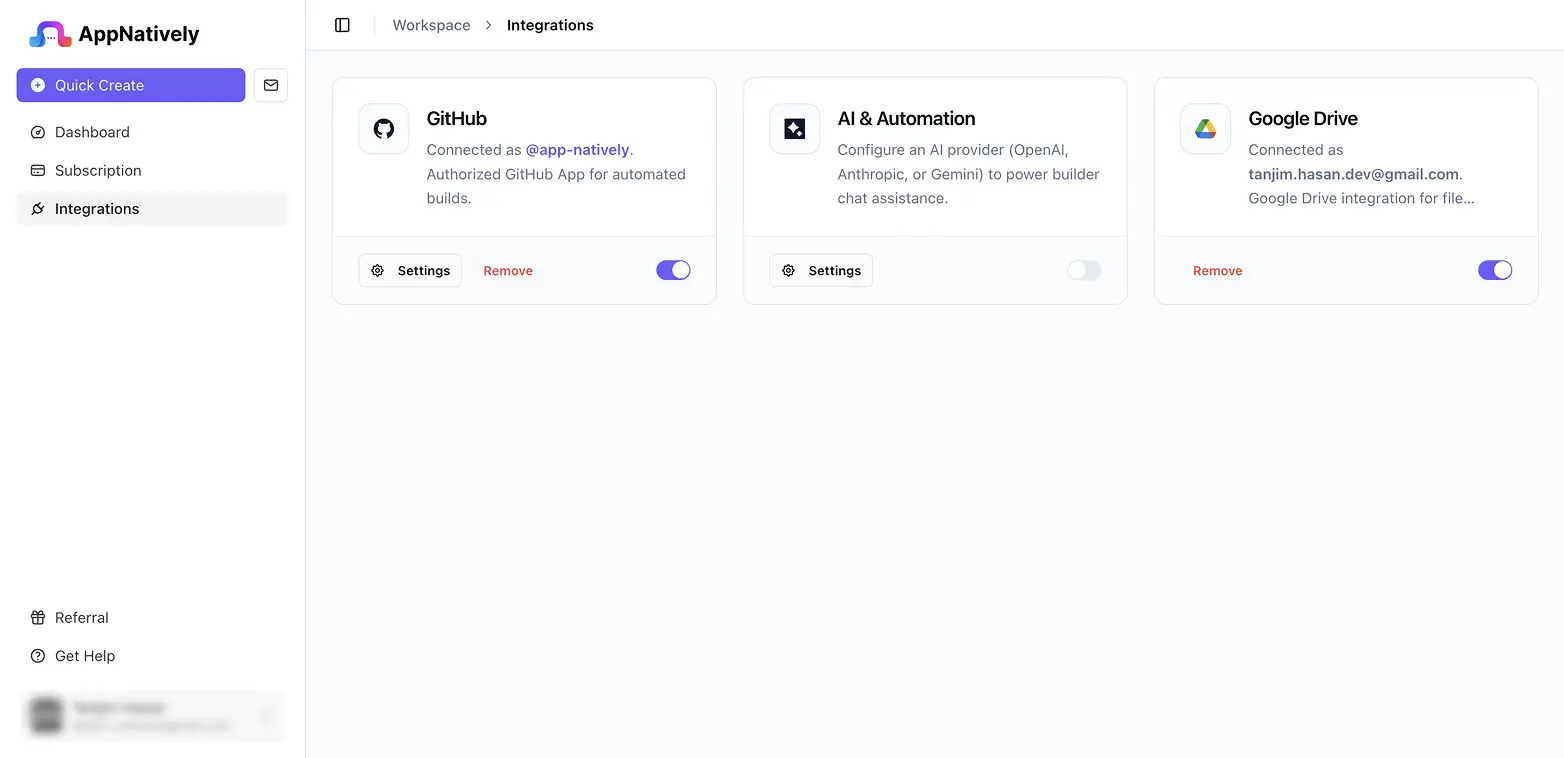
What Integrations covers

There’s one article here, and it covers all three connections: Connect a third-party service. GitHub is required before you can trigger any build. AI is required before the App Editor’s chat assistant will respond to anything – you connect your own OpenAI, Anthropic, or Gemini account and API key, billed by that provider rather than through AppNatively. Google Drive is used for file management and is entirely optional; nothing else in AppNatively depends on it.

The article also covers disconnecting, which is worth understanding before you do it.

FAQ

Notifications aren’t arriving
Connect a third-party service
Was this page helpful?
On this page
What Integrations coversFAQWhich of these do I actually need?+Do these apply to one app or to my whole workspace?+Can I disconnect one later?+