
Once your app is out in the world, this is how you bring people back to it. A campaign reaches everyone who’s installed your app – either as a standard notification on their lock screen, or as a styled message shown inside the app itself. One thing to know before you start: sending is immediate. There’s no scheduling, no saving a draft to finish later, and no way to recall a campaign once it’s gone out.
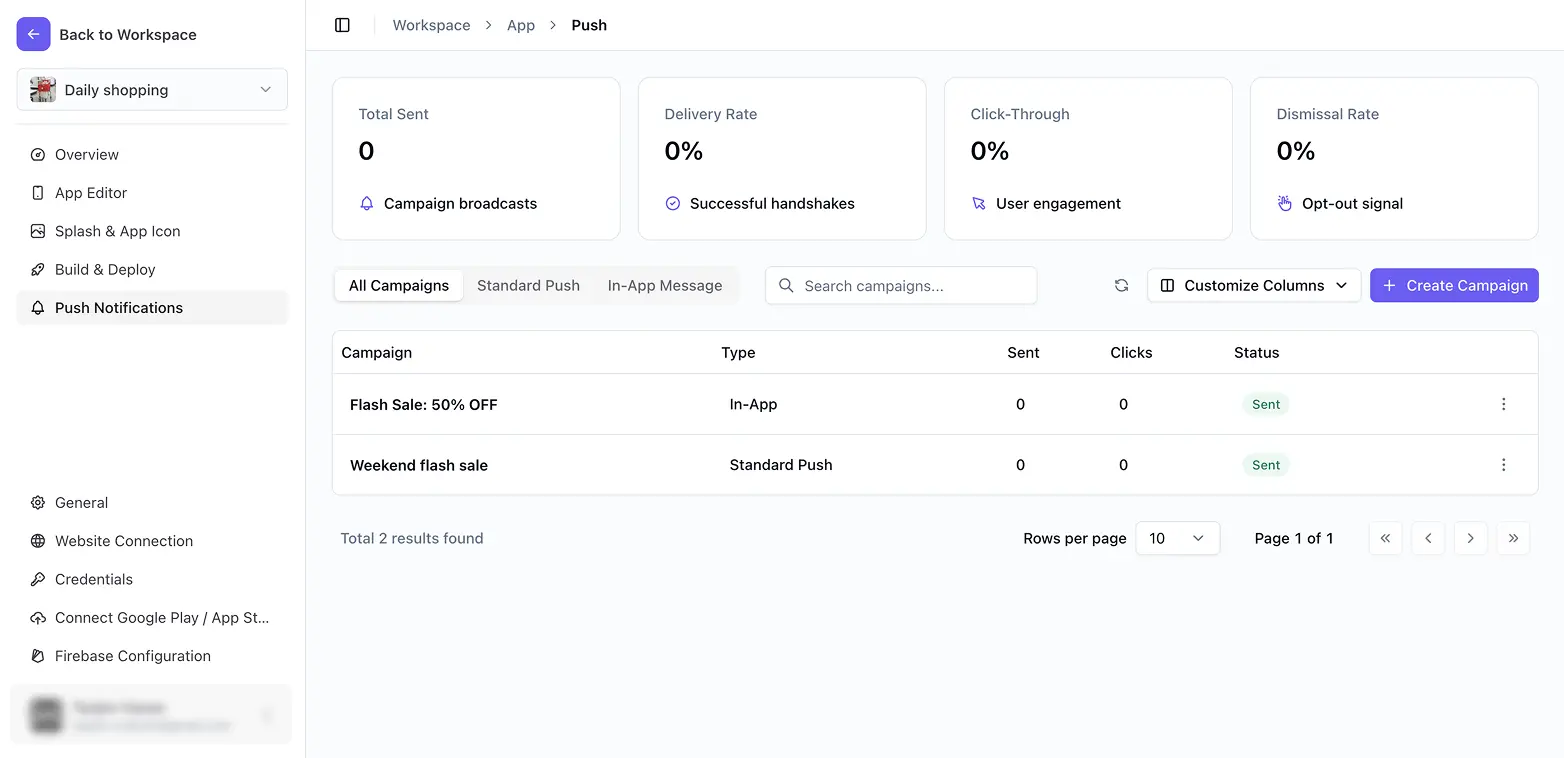
What you can do in Push Notifications
Create and send a push campaign covers both campaign types and everything each one needs – title, message, an optional image, and an optional deep link that opens a specific place in your app when tapped. After a campaign goes out, Track campaign performance explains the four numbers you’ll see
- Total Sent, Delivery Rate, Click-Through Rate, and Dismissal Rate – and how to read the per-campaign table underneath them.
The third article is the one to reach for when a campaign shows as sent but doesn’t seem to have reached anyone, working through the three usual causes in order.
Before you start
Your app needs a working Firebase connection – the Create Campaign button stays locked without one. See Set up Firebase Configuration.